



Yetizino App
If you have the Yetizino app on your phone, you can get to all the games and your casino wallet right away. It’s built for easy use and fast navigation. The mobile gambling app runs slots, live dealer tables, and account tools. It’s clean, easy, and safe for real-money gaming sessions while you’re on the go.



Why Play on Mobile?
Playing at a desk means sitting in one chair and making quick decisions with the mouse. The Yetizino app changes the way you interact with things in a big way. Mobile slots and instant crash games feel real and immediate in a way that a mouse just can’t match when you tap on a glass screen.
Beyond the direct feel of touch controls, modern mobile optimization does not make you sacrifice graphic quality or game variety. Using the Yetizino app unlocks the entire game library, loading automatically in responsive HTML5. No matter if your focus is on high-speed spins or mobile betting across instant-win titles, you gain total freedom to manage your account on your own schedule.
Use Yetizino on Your Android
There is no Yetizino APK setup. You don’t have to download a massive installer file or constantly search for an APK file. The Yetizino app download is simple:
- Open Chrome or any other mobile browser you like and go to the official website.
- Tap the browser menu icon (the three vertical dots in the top right corner).
- Select “Install App” or “Add to Home Screen.”
Setting up our Android app shortcut drops a clean launcher icon. The software runs smoothly across Android 8.0 and above.
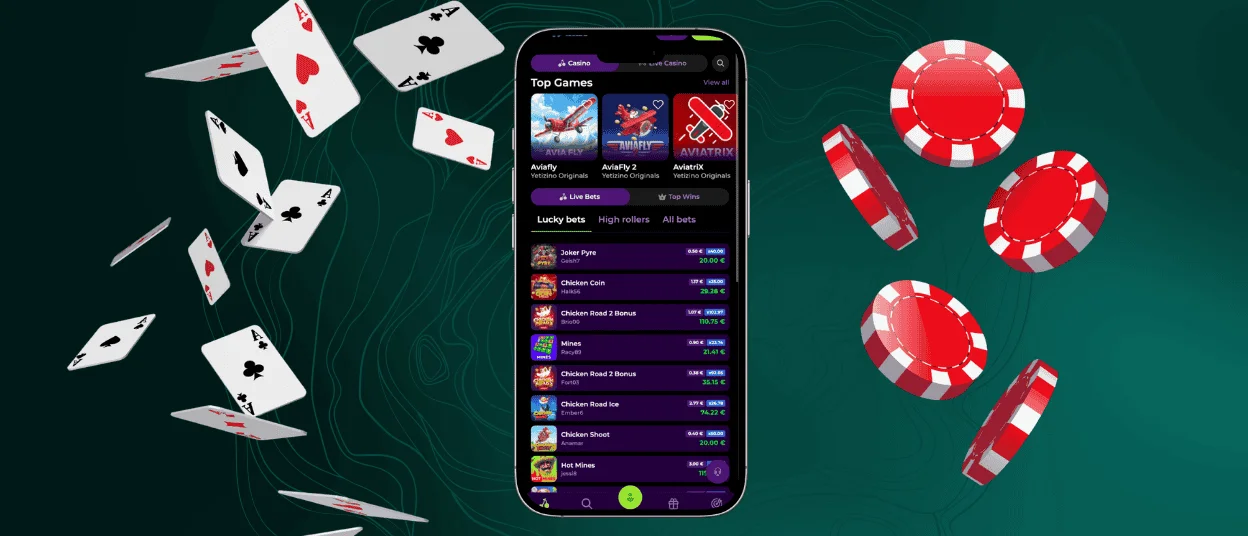
Yetizino Mobile App for iOS
If you are looking to complete a quick Yetizino download app process on Apple devices, setting up takes less than ten seconds:
- Open the casino site using Safari.
- Tap the box with the upward arrow (Share icon) at the bottom of your screen.
- Scroll down and select “Add to Home Screen.”
That simple action generates a dedicated iOS app launcher directly on your home screen. Opening the Yeti Zino app through this shortcut launches a clean, full-screen display that integrates seamlessly with native Apple controls, letting you sign in via Face ID or Touch ID in a single tap.
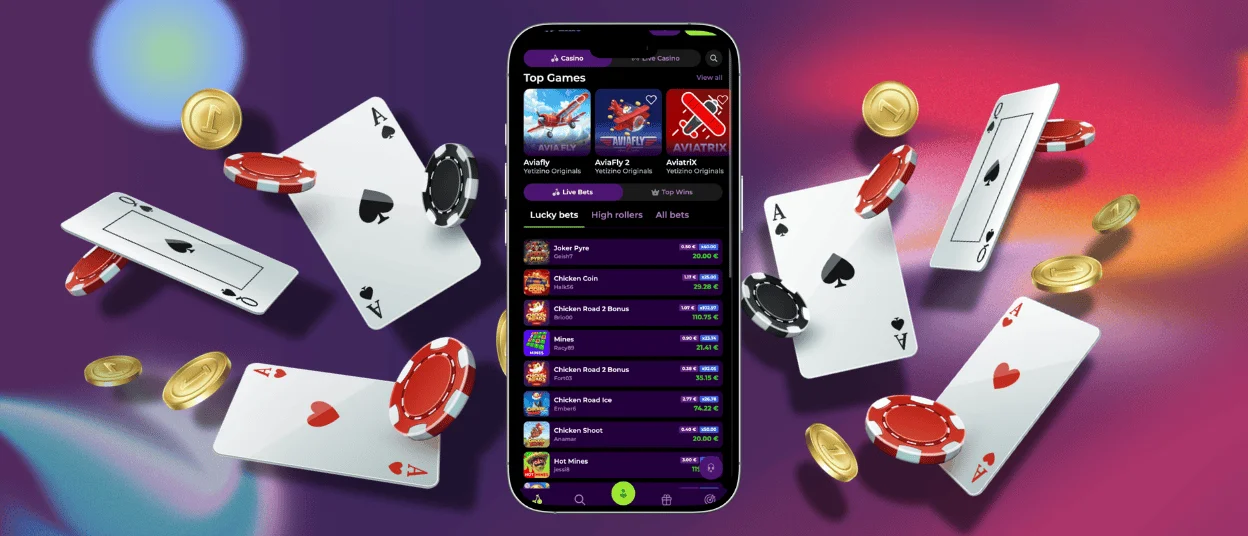
Yetizino Web Version and PWA
Standard mobile browsers like Safari or Chrome work fine, but address bars and search menus take up valuable screen space. Opening the Yetizino app as a PWA removes that extra browser clutter, giving you a clean, full-screen layout.
Using the Progressive Web App format also helps the site run faster by saving basic site graphics directly onto your device. Game thumbnails, lobby sections, and your personal account dashboard load almost instantly, keeping the performance of the Yetizino app smooth even on a spotty mobile data signal. You can also check current Yetizino bonuses from the same dashboard.
Key Differences Between Web and PWA Access
A comparison shows where the web mobile casino saves time and screen space.
| Feature | Mobile Default Web Browser | Progressive Web Application |
| Display Viewport | The address bar and navigation controls are visible | Full-screen display with no browser clutter in the Yetizino app |
| Launch Speed | You have to open the browser and type the URL or select a bookmark | One-tap launch from the home screen icon |
| Asset Caching | Graphics for the core sites refresh on each new visit | The lobby layout can be cached locally for faster loading |
| Biometric Sign-In | Requires manual typing of password or browser autofill | Face ID and Touch ID compatible for single-touch entry |
FAQ
What should I do if the Yeti Zino app freezes or stops working?
Software hiccups are caused by temporary device memory clutter or a brief drop in your network connection. If the Yeti Zino app freezes mid-spin, don’t worry – your wager details and round results are recorded safely on the server, so you won’t lose your funds.
First, swipe away the launcher to force-close it, then reopen it. If the problem keeps happening, clear out your phone’s cache and cookies or connect to a stable Wi-Fi network instead of using cellular data. If a persistent bug locks your screen, launching a quick live chat session with the support team will help clear any stuck game rounds.
Which devices support the Yetizino app?
Because the Yetizino app relies on an efficient PWA architecture, there are some hardware requirements. Any Android smartphone or tablet running Android 8.0 or higher with an updated Chrome browser will run the software without issue.
For Apple hardware, any iPhone or iPad running iOS 13.0 or later via Safari works smoothly. As long as your device can handle standard HTML5 web pages, the Yetizino app runs without hardware lag.
How is a PWA different from a regular casino app?
To play in a casino, a customer needs to download a file from the app store, which takes up internal storage and requires frequent manual updates. A Progressive Web App is a lightweight launcher that uses your phone’s native browser engine but gives you a dedicated layout. Opening the Yetizino Casino app in PWA mode uses almost zero storage space, updates automatically behind the scenes whenever the site updates, and bypasses third-party app store restrictions entirely.


